In this article · 8 sections
Choosing a digital safety tool for your child can feel overwhelming. There are apps that offer location sharing, parental controls, screen-time limits, and alerts. But keeping children safe involves more than knowing where they are or what device they’re using.
Children also need to know how to recognize uncomfortable situations, ask for help, and speak to a trusted adult when something doesn’t feel right.
When comparing child safety apps, it helps to consider both practical safety features and the role communication plays in your family’s approach.
01
Consider What the App Is Designed to Do
Not every family needs the same tools. Some parents are primarily looking for location sharing. Others want help managing screen time, understanding online risks, or staying connected with their children.
Before choosing an app, ask yourself:
- What specific concern am I trying to address?
- Does the app offer features that address that concern?
- Will my child understand how and why we’re using it?
- Does it encourage communication, or could it create unnecessary conflict?
The best fit depends on your child’s age, your family’s needs, and how you plan to use the tool.
02
Look for Features That Fit Your Child’s Age
A younger child may need simple ways to contact a trusted adult. An older child may need more independence, clear expectations, and opportunities to discuss online relationships and privacy.
Look for an app with an age-appropriate experience. Explain its purpose in language your child understands, and revisit the conversation as your child grows.
03
Don’t Overlook Communication
Location information can tell you where a child may be, but it cannot tell you everything about how that child is feeling or whether something is wrong.
Children benefit from knowing they can contact a trusted adult when they’re worried, confused, or uncomfortable. Look for tools that support family communication where that is part of your goal.
It’s also important to talk with children about how the app works, what information it shares, and when adults may use that information. Transparency helps establish realistic expectations and supports trust.
04
Check Privacy and Security
Before installing any child safety app, review its privacy policy and permissions. Consider:
- 1 What information does it collect?
- 2 Who can see your child’s information?
- 3 Is information shared with third parties?
- 4 Can you control permissions and delete information?
- 5 Are the features appropriate for your child’s age?
Don’t assume that every app protects information in the same way. Check the details for the specific product you’re considering.
05
Make Sure Your Child Knows How to Ask for Help
Technology is only one part of a family safety plan. Children also need trusted adults they can turn to in real life.
Talk about who those adults are and what your child can do if the first person isn’t available. Practice what to say when asking for help, especially if your child feels embarrassed or afraid of getting into trouble.
These conversations can be just as important as the technology you choose.
06
Choose a Tool That Fits Your Parenting Approach
Some families want more monitoring. Others prefer to focus on communication and gradually increasing independence. Many use a combination of approaches.
Whatever you choose, explain the reasons behind it. Let your child ask questions, and make time to discuss how the arrangement is working.
A safety tool should support your family’s approach, not replace honest conversations, reasonable boundaries, or adult supervision.
07
How Trust Buddy Fits Into the Conversation
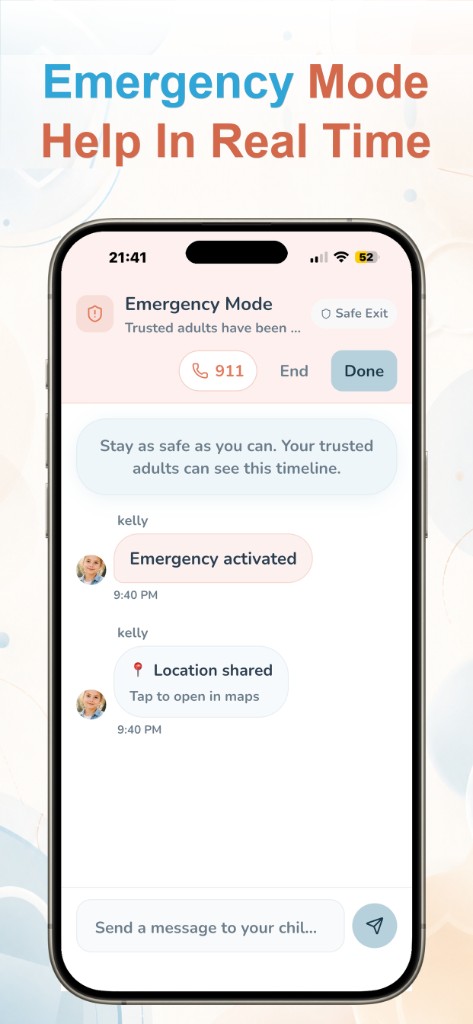
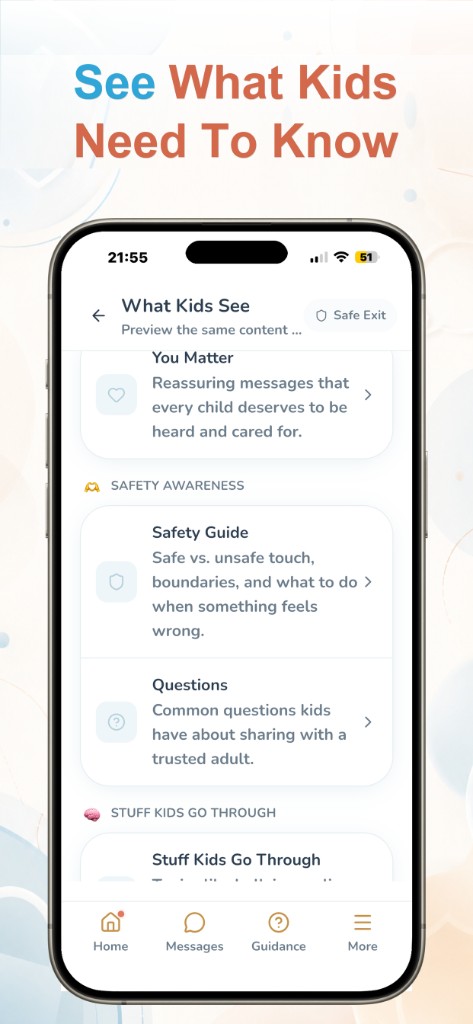
Trust Buddy is built around helping children communicate with trusted adults and making it easier for families to stay connected. Its purpose is not simply to focus on where a child is, but to support the connection between a child and the adults they can turn to.
If you’re exploring child safety apps, you can learn more about Trust Buddy at trustbuddyapp.com and see whether its approach fits your family’s needs.
08
The Bottom Line
No single app can guarantee a child’s safety. The right tool depends on your needs, and it works best alongside open communication, age-appropriate guidance, and trusted relationships.
As you compare options, look beyond the feature list. Consider whether the tool can help your family build the habits and connections that support safety over time.
Written by
Trust Buddy Team
We build Trust Buddy, a calm way for children to reach trusted adults when something feels wrong, scary, or hard to explain.