In this article · 8 sections
- 1Ask About Your Child’s Online World
- 2Teach Children to Protect Their Personal Information
- 3Talk About Online Friendships and Messages
- 4Address Cyberbullying With Empathy
- 5Set Family Technology Rules Together
- 6Use Parental Controls as One Layer of Protection
- 7Make It Safe to Tell You When Something Goes Wrong
- 8Keep Communication at the Center of Online Safety
Phones, games, social media, and messaging apps are part of many children’s everyday lives. These tools can help kids learn, create, and stay connected with friends. They can also expose children to uncomfortable conversations, cyberbullying, inappropriate content, and people who don’t have their best interests at heart.
For parents, knowing how to protect children online can feel overwhelming. Parental controls and privacy settings are useful, but they can’t replace an open relationship with your child.
Some of the most valuable online safety tips for parents begin with a simple habit: make sure your child knows they can talk to you without fear of being blamed or automatically losing their devices.
01
Ask About Your Child’s Online World
You don’t need to understand every app, game, or online trend your child enjoys. Start by showing genuine interest.
Ask your child to show you their favorite game, explain a feature they enjoy, or tell you what they like watching online. Try questions such as:
- “What do you enjoy doing online the most?”
- “Which games or apps are your friends using?”
- “Have you seen anything online that confused or upset you?”
- “What do you do if someone sends you a message you don’t like?”
These questions can help you learn about your child’s experiences without making every conversation feel like an investigation.
02
Teach Children to Protect Their Personal Information
Children may not always realize how much information a photo, profile, or casual conversation can reveal.
Explain why they should be careful about sharing their home address, school, phone number, passwords, live location, or other identifying details.
Discuss privacy settings together and review who can contact them, see their posts, or access their information.
You can also remind children that something shared online may be copied or forwarded, even if the original message was intended for just one person.
Rather than expecting children to remember every rule, revisit these topics regularly as they begin using new platforms.
03
Talk About Online Friendships and Messages
Children may communicate with people through games, group chats, social media, and messaging apps. Help them understand that an online profile doesn’t always tell the whole story about a person.
Discuss warning signs such as someone asking for personal information, pressuring them to share photos, offering gifts in exchange for secrecy, or insisting that a conversation must be hidden from trusted adults.
You can ask: “What would you do if someone you met online asked you to keep your conversations secret?”
Listen to the answer, then explain that a request for secrecy that makes them uncomfortable is a good reason to pause and talk to a trusted adult.
Make sure your child knows they won’t be left to handle a concerning interaction alone.
04
Address Cyberbullying With Empathy
Cyberbullying can leave children feeling embarrassed, isolated, or worried that the situation will get worse if they tell someone.
Talk about what respectful online behavior looks like, including not forwarding humiliating images, joining in with hurtful comments, or sharing another person’s private information.
If your child experiences cyberbullying, listen to what happened and how it affected them. Avoid immediately dismissing the situation or asking why they didn’t simply ignore it.
Depending on the situation, you may need to save relevant messages or screenshots, block or report an account, contact the school, or seek additional help.
Most importantly, reassure your child that they don’t have to solve the problem by themselves.
05
Set Family Technology Rules Together
Clear boundaries help children understand expectations and give parents an opportunity to explain the reasons behind them. Discuss topics such as:
- 1 Which apps, games, and websites are appropriate for your child’s age.
- 2 When devices should be put away, especially around bedtime.
- 3 What information and images should never be shared.
- 4 What to do when someone sends an uncomfortable message.
- 5 When your child should ask permission before downloading an app or contacting someone new.
Whenever possible, involve your child in the conversation. Ask what rules they think would help them stay safe and why.
Review the rules as your child matures. The goal is to build good judgment, not just compliance.
06
Use Parental Controls as One Layer of Protection
Parental controls can help manage screen time, restrict certain content, and adjust privacy settings. They are useful tools, but no setting can guarantee that a child will never encounter something harmful online.
Combine technology settings with regular conversations, age-appropriate boundaries, and an understanding of the platforms your child uses.
Explain the purpose of the controls so children understand that the goal is their safety and well-being.
As children grow, involve them in reviewing the settings and discussing what level of independence is appropriate.
07
Make It Safe to Tell You When Something Goes Wrong
This may be the most important of all online safety tips for parents.
Children sometimes hesitate to disclose online problems because they fear losing their phone, disappointing their parents, or getting into trouble for something they did.
Tell your child directly:
“If something happens online that worries you, you can come to me. Even if you made a mistake, we’ll work through it together.”
If they do share a difficult experience, pause before reacting. Thank them for telling you, ask what support they need, and work together on the next steps.
If there is an immediate safety concern, take appropriate action to protect them and report serious incidents to the relevant authorities.
08
Keep Communication at the Center of Online Safety
Technology changes quickly, and children will encounter situations that adults cannot predict. Teaching them how to pause, recognize discomfort, protect their information, and ask for help prepares them to navigate those situations more confidently.
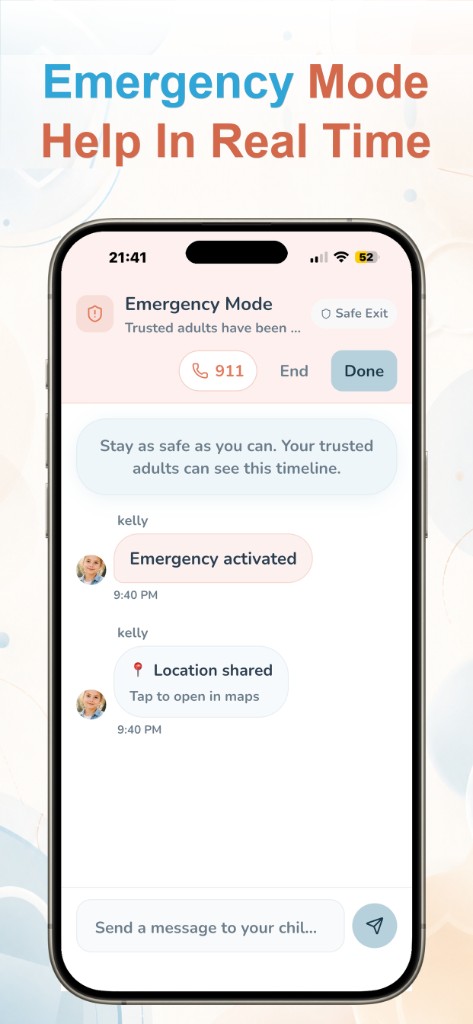
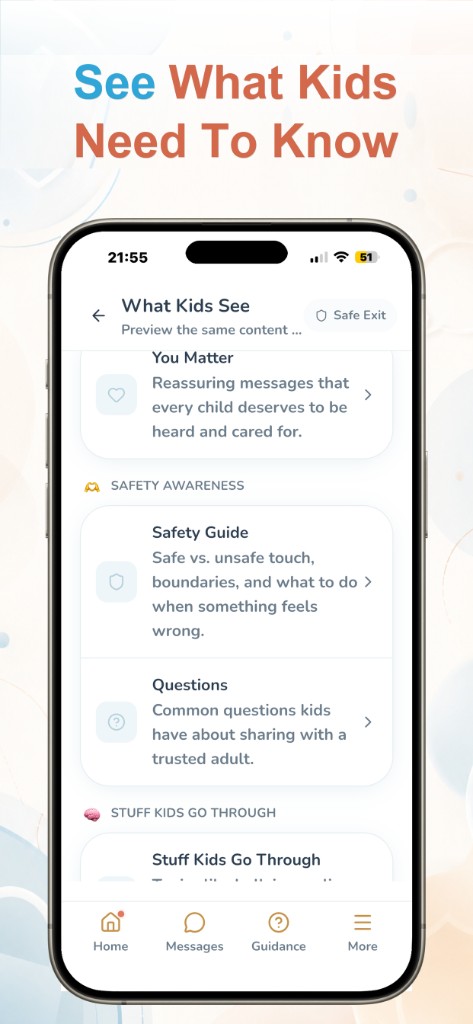
Trust Buddy was created around the importance of helping children communicate with trusted adults. Safety tools can support families, but children also need to know that someone will listen when they reach out.
Start a conversation tonight: Ask your child, “Have you ever seen anything online that you weren’t sure how to handle?” Listen without judgment. That conversation may open the door to many more.
Learn more about Trust Buddy: trustbuddyapp.com
Additional resource: FBI guidance on keeping kids safe online.
Written by
Trust Buddy Team
We build Trust Buddy, a calm way for children to reach trusted adults when something feels wrong, scary, or hard to explain.